


Freeze the system for protection
Sometimes it's necessary to install on a computer programs that may be dangerous for the system, because they may contain viruses or because they modify the computer's configuration. Deep Freeze is a program that will allow you to freeze the system so that no changes you apply affect it. Thanks to the latter, when you reboot your computer, you'll have it back to the status it had prior to the freeze. Avoid problems caused by the programs you install on your PC.
How to use Deep Freeze
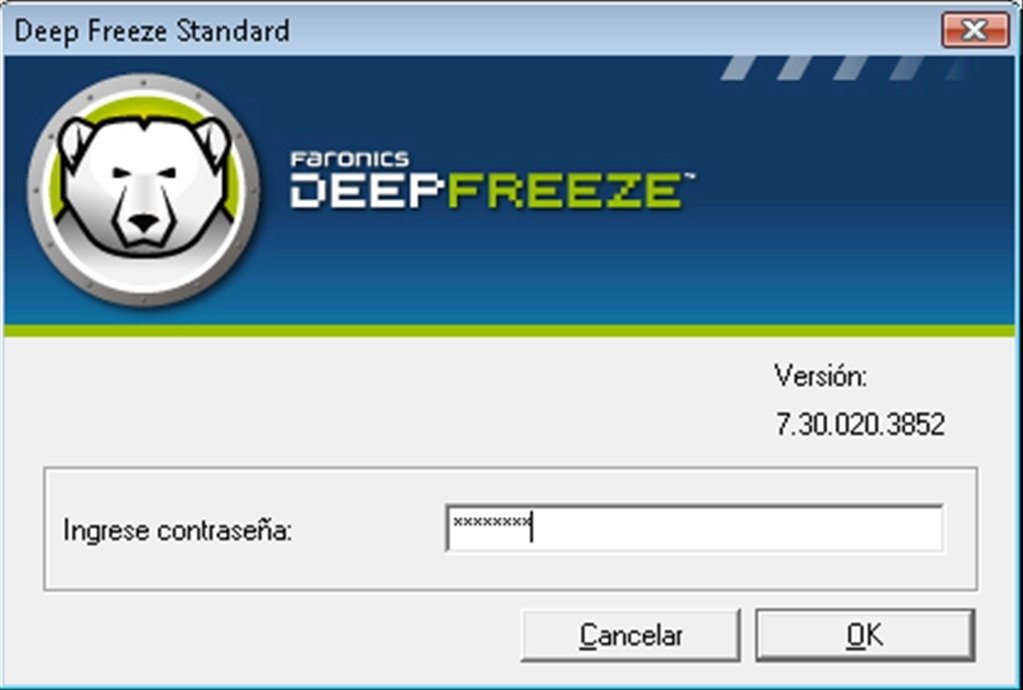
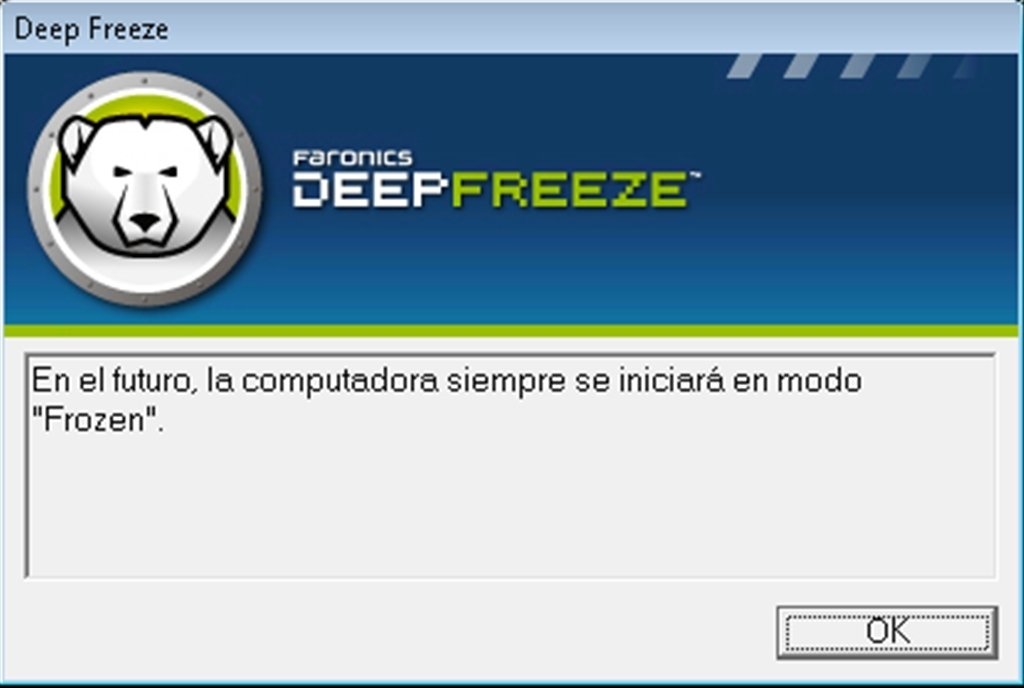
Once you install Deep Freeze, the program will ask you to reboot the computer. Once you do so, the computer will be frozen. First you'll have to establish a password to access the application. Apart from that you won't see anything new, except for the fact that in the system tray you'll now find an icon with the shape of a bear. This bear will indicate that the PC is Frozen.
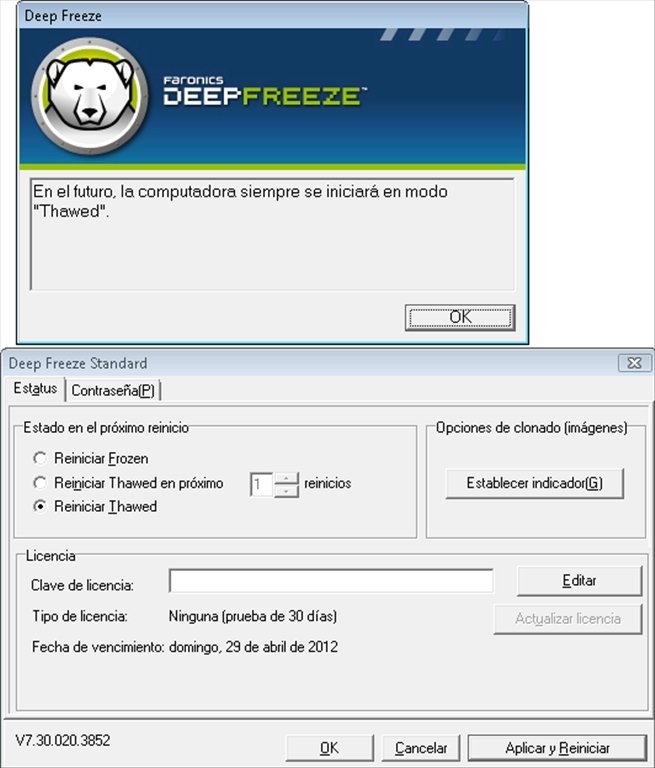
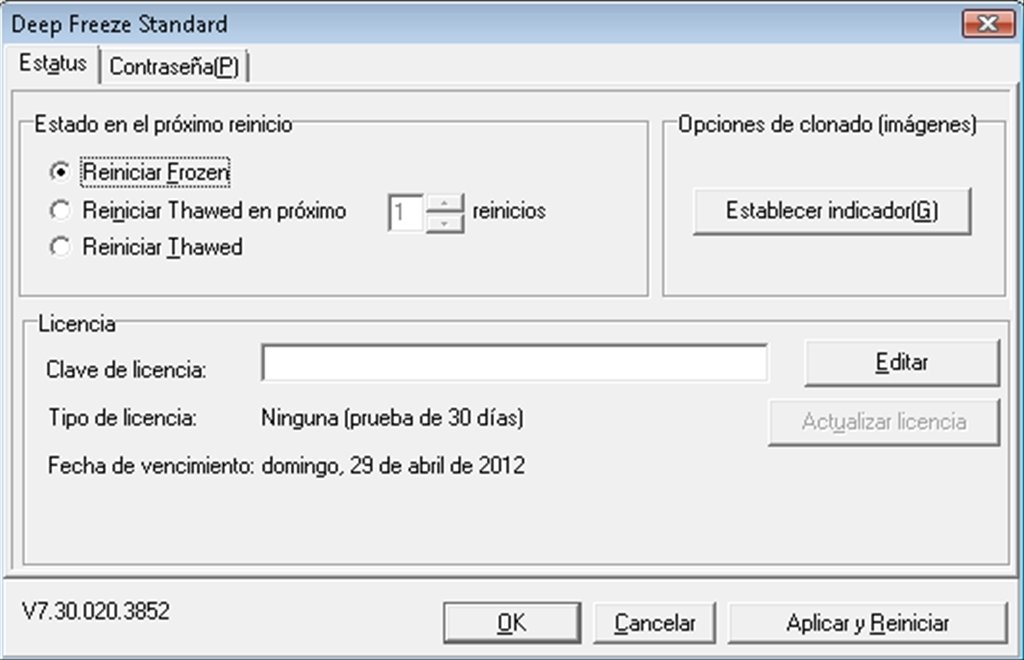
To change that status or the password you'll have to double-click on the icon at the same time that you hold down the SHIFT button. That's when the interface of Deep Freeze will open and you'll be able to change the status to Thawed. In this status the changes that are completed will take effect on the computer. If you need more information about how it works, you can always download the Deep Freeze manual.
Don't put your computer at risk and download Deep Freeze to freeze the system.
Requirements and additional information:
- The trial period lasts for 30 days.
- This download requires a ZIP compatible compressor.
 Antony Peel
A Telecommunications Engineer, chance led me to the translation industry, where after a few years, I discovered another side of the world of technology while translating what others were writing about mobile applications and software. That...